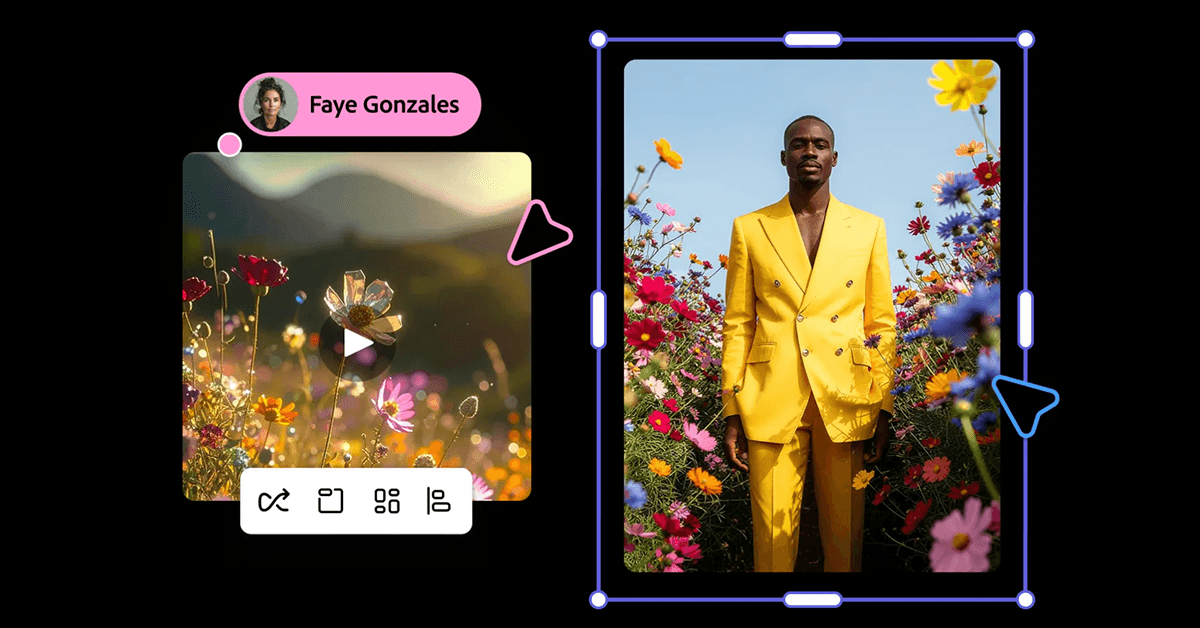
Firefly is powerful, and I won’t be able to cover everything you can do with it. Instead, I’ll walk you through a simple workflow of generating an image using an AI model, and then using that image as the starting frame to generate a short, looping video.
At the top, select New. You can either create a new file or generate a new file. Creating a file allows you to, for example, upload a photo and use generative AI to edit it, while generating a file creates that image from scratch with an AI model. For this example, choose Image under the generate section.
In this new screen, you’ll see a prompt field similar to a chatbot, along with a few general settings. At the top of the sidebar, you can select your model and aspect ratio, as well as upload a reference image. If you’re trying to achieve something specific, you should upload a reference image. In the prompt field, you’ll…