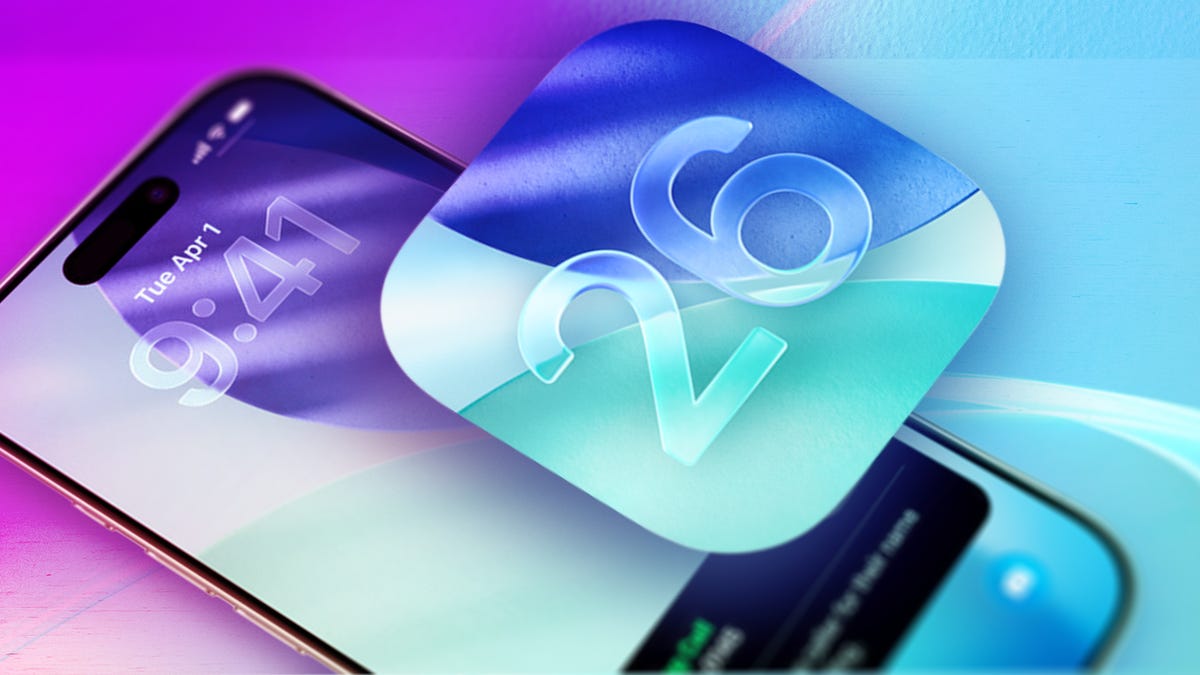
Apple released iOS 26 on Sept. 15, and that update brings a new Liquid Glass design, call screening and more to your iPhone. It also updates the alarm feature in the clock app so you can change your snooze length, giving you a few more z’s before you get up and tackle the day.
Before this change, if you hit your iPhone alarm’s snooze feature, you would always get an extra 9 minutes of shut-eye. With iOS 26, you can customize your snooze length and get as little as 1 minute or up to 15 minutes of additional sleep.
Whether you need to catch yourself before you doze off again or you require a few extra minutes of sleep, here’s how to change your alarm’s snooze length to better fit your needs.
Don’t miss any of our unbiased tech content and lab-based reviews. Add CNET as a preferred Google source.
How to change your alarm’s snooze length

1. Tap your…