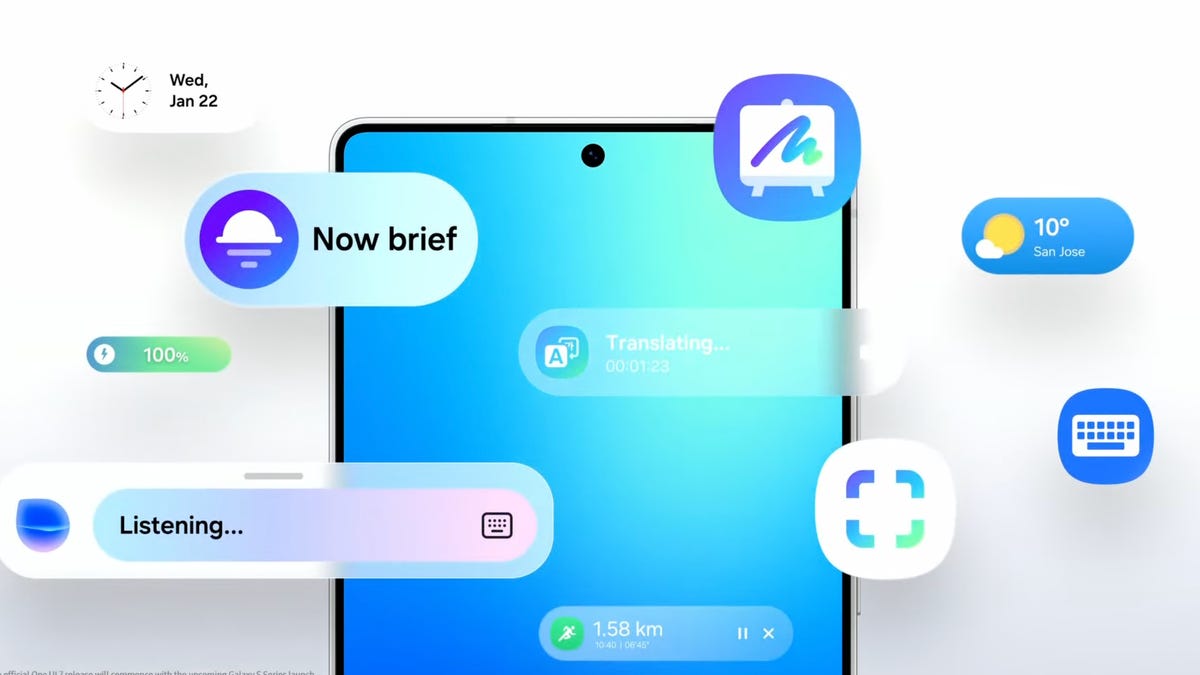
If you just took the wraps off of a brand-new Samsung Galaxy device, you might be trying to get your head around all of the features it has to offer. On the flip side, you might also be trying to figure out how to turn off or disable features you know you don’t care to use. Something that’ll inevitably be thrown in your face whether you want it or not? Artificial intelligence.
It’s true that Samsung’s Galaxy AI features are capable of doing some pretty interesting things, but not everyone is interested. If you find yourself in this camp, Samsung luckily makes it easy to manage or turn off AI features in Settings.
Below, we’ll show you how you can tone down the AI on your Samsung Galaxy phone or disable AI completely.