

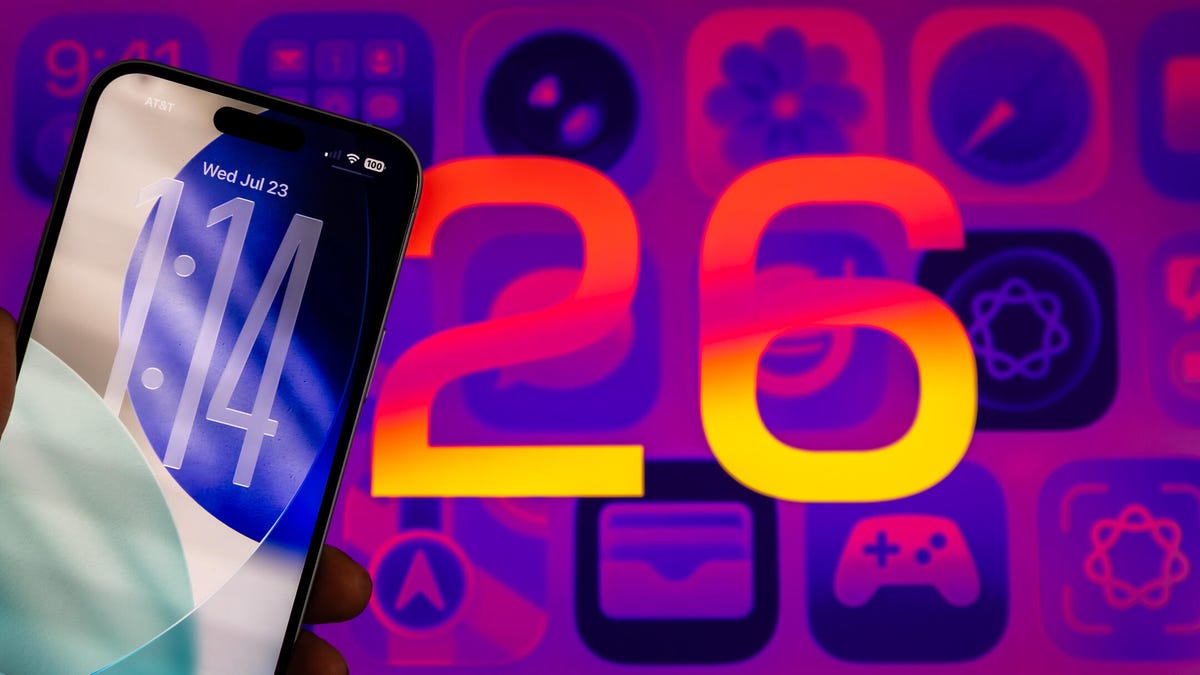
iOS 26 introduces a completely new Liquid Glass look for the iPhone, and you may have strong feelings about it. Safari has undergone some of the most dramatic changes, and the result is pretty… pretty annoying, that is.
One of the biggest things I miss in Safari is the old, full-size toolbar with the Bookmarks and All Tabs icons. Those UI elements have been present in every iOS version of Safari since the very first iPhone in 2007. While I do appreciate the extra screen space I get with this new Compact toolbar layout, I’m not sure it’s worth the trade-offs.
Yes, I can still access my Bookmarks and view all my tabs by tapping on the three-dot menu. But that extra step is super frustrating. I keep reaching automatically for the bottom right corner of the screen, only to remember that the old buttons aren’t there anymore. I have to unlearn the muscle memory I’ve developed over many…