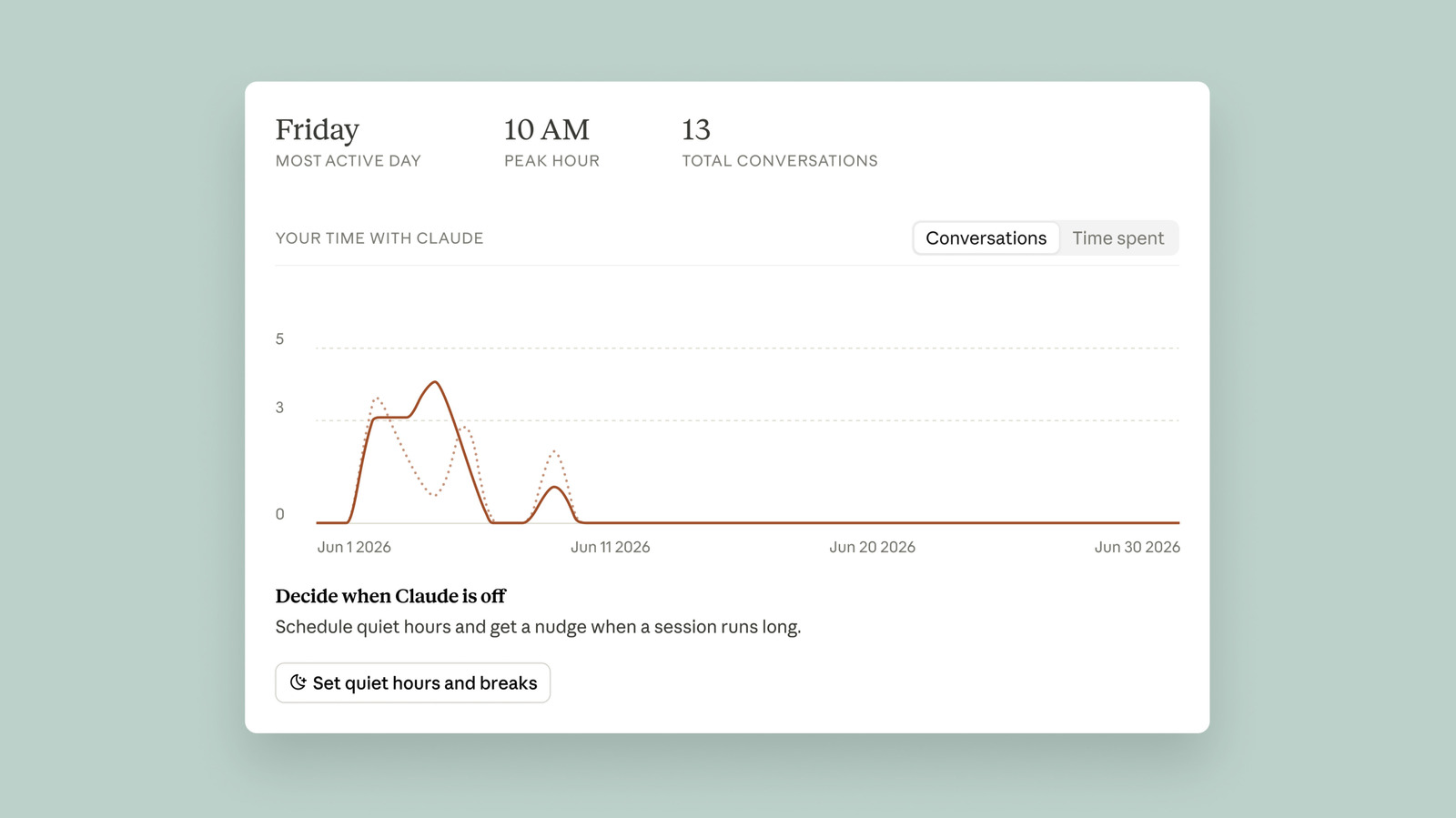
First, you’ll want to access the dashboard and generate your first reflect report. To do so, follow these steps:
-
Open your browser and navigate to claude.ai.
-
Click on your name and profile photo.
-
Click Settings.
-
Select Reflect.
Claude will take a moment to generate your report. By default, the chatbot will summarize the last month of your usage, but you can also see the last three, six or 12 months by clicking the toggle at the top.
Once your first report is ready, you’ll see a short summary of your conversations with Claude. As of the writing of this article, you can’t see the exact amount of time you’ve spent using Claude. If you click the Time spent tab, the page just says “coming soon.” Ryn Linthicum, Anthropic’s head of wellbeing policy, told Engadget the reason for that is the company didn’t have an internal system for measuring time spent on…