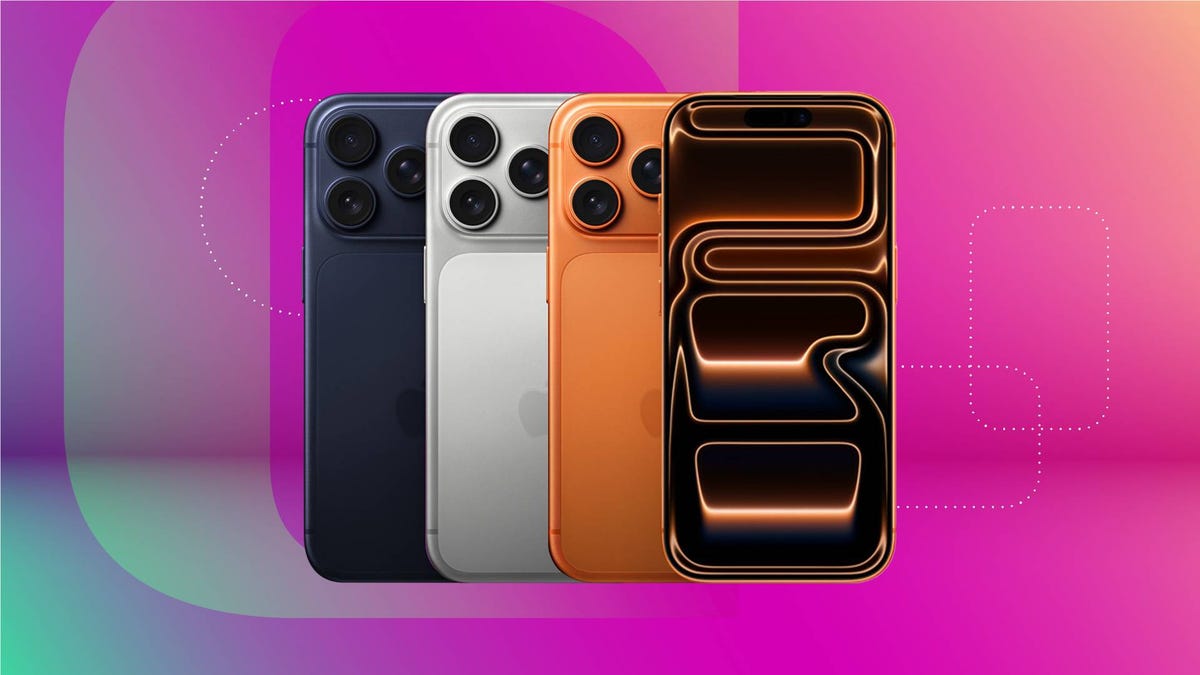
Were you gifted a new iPhone Air or a device from the iPhone 17 lineup for the holidays? Or maybe you decided yo treat yourself and upgrade your device. Either way, Apple suggests you turn off Find My on your old iPhone to protect your device.
The Find My app from Apple can help you locate your luggage in a busy airport, find a single missing AirPod and ensure you know where all your devices are. Disabling Find My on an iPhone before you give it away turns off its Activation Lock feature. This feature can prevent anyone else from using the device, which is helpful if your iPhone is stolen or ends up in the wrong hands.
However, if you are giving your iPhone to a friend, Activation Lock could stop them from using it. Fortunately, you can turn off Find My in just a few easy steps. Here is how to turn off Find My before you upgrade to a new iPhone.
Don’t miss any of our unbiased…