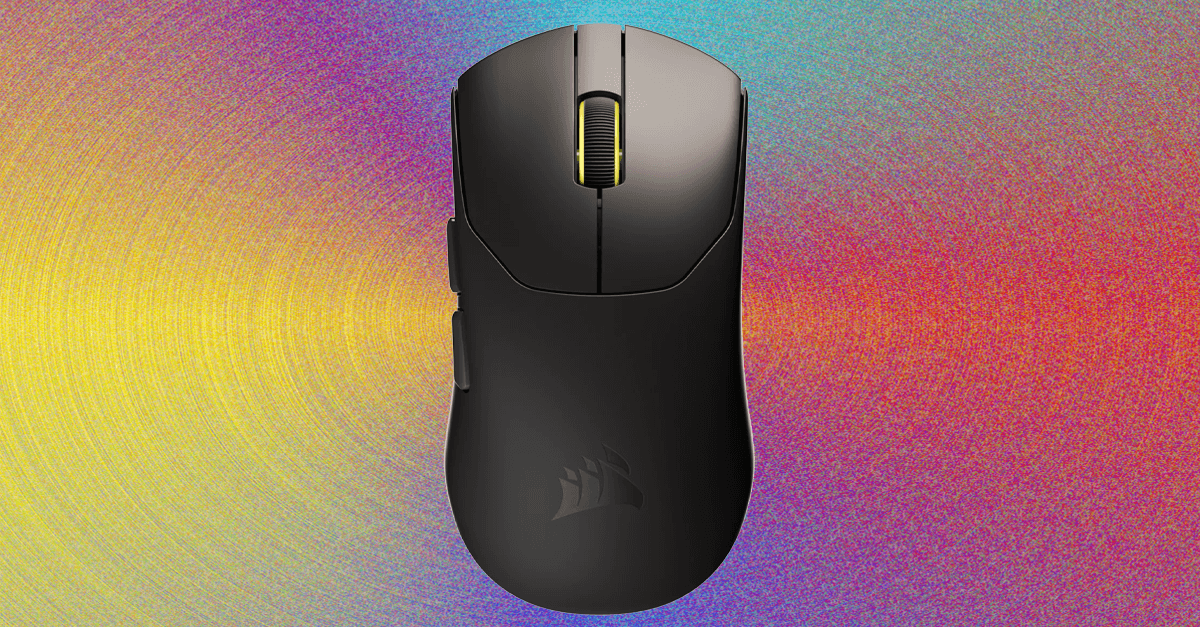
The lack of Bluetooth connectivity is, presumably, for weight savings, but it makes this mouse inconvenient as a travel option. The lack of rigidity already makes traveling with it seem unwise. It’s meant to be kept on a desk.
The mouse has a total of five buttons: The left and right clicks, the middle click, and the two side buttons, which are mapped to “forward” and “back” by default. There are five built-in sensitivity presets, ranging from 400 to 2,000 dpi. These presets can be adjusted, and the number of presets can be decreased. With the default button maps, you can cycle through the presets by holding down the right click and back button for three seconds. The scroll wheel will flash three times to indicate that the setting has changed. It’s a little convoluted. More importantly, the dpi switch only works if the rear side button is mapped to the “back” key. When I…