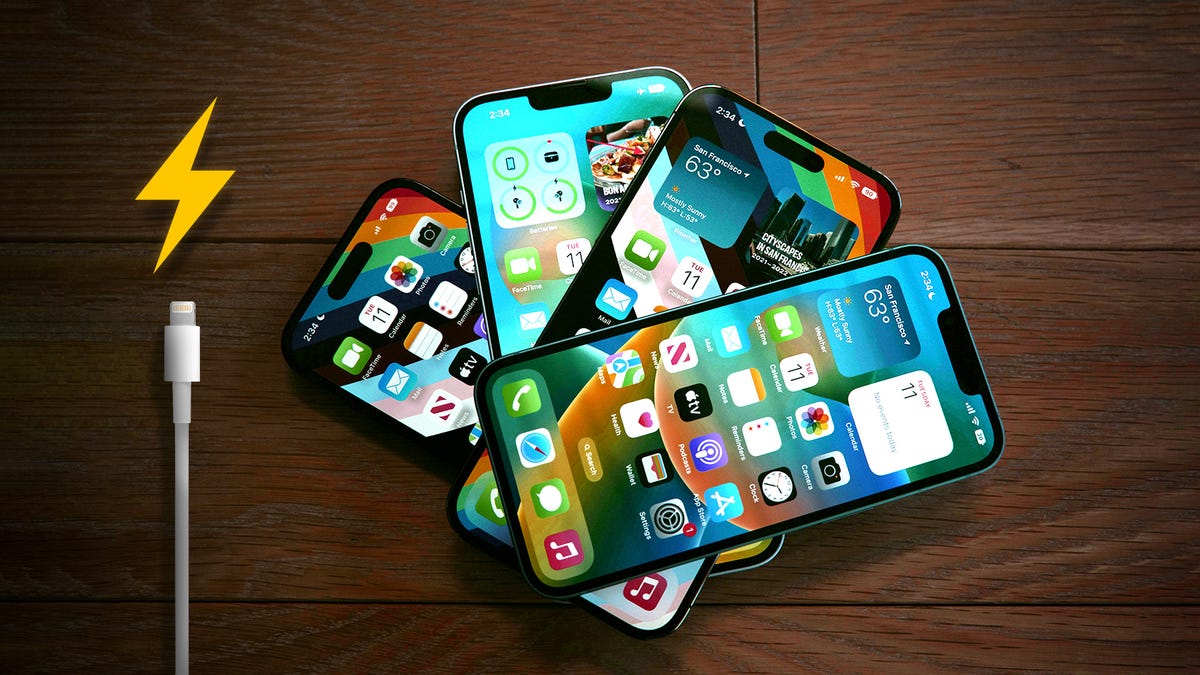
It’s 2026, and if you’re constantly toggling on “Low Power Mode” just to survive a commute, you may as well be carrying around a brick. While it’s true that lithium-ion batteries naturally degrade over time, most people are draining their “juice” prematurely by leaving on high-performance features they don’t even need.
Your iPhone has a few key settings that drain your battery in the background. The good news is, you can turn them off. Instead of watching your battery percentage plummet at the worst possible moment, a few simple tweaks will give you hours of extra life.
Before you even think about buying a new phone, check your Battery Health menu (anything above 80% is decent) and then turn off these three settings. It’s the easiest way to make your iPhone battery last longer, starting right now.
Don’t miss any of our unbiased tech content and lab-based reviews. Add CNET as a…