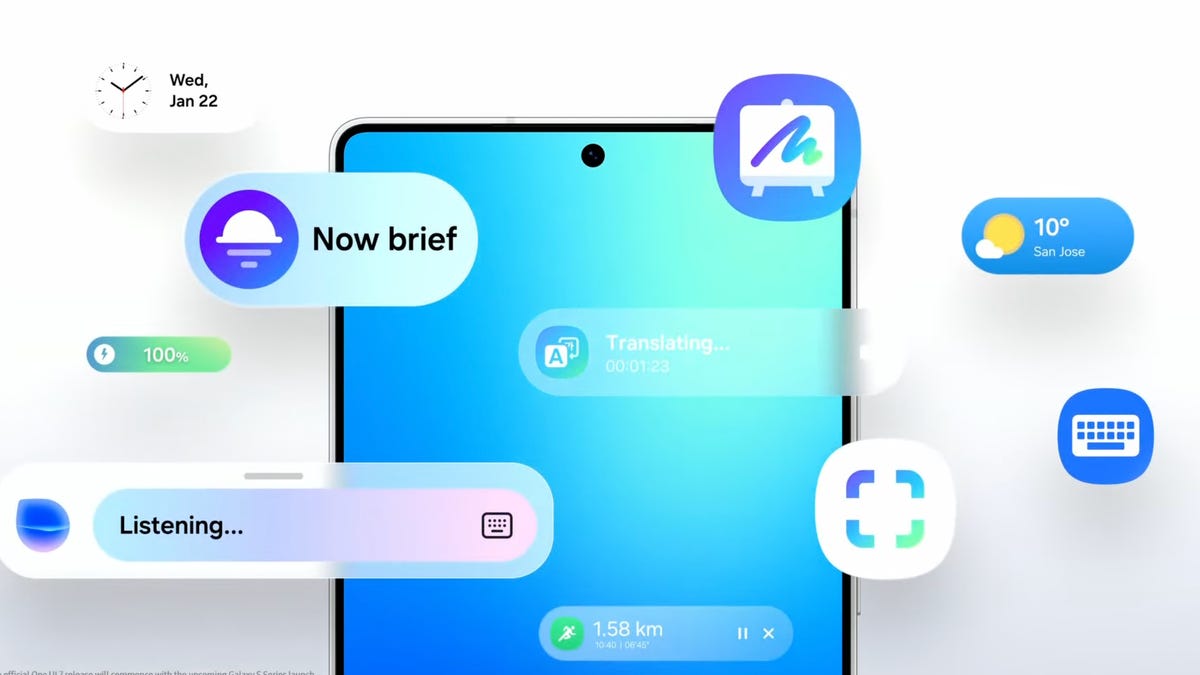
Several of Samsung’s Galaxy phones and tablets are now stuffed with AI features — whether you use them or not. While some can be helpful if you remember to use them, many may be enabled but are left unused, potentially taking up space and RAM on your phone.
Luckily, Samsung makes it a fairly simple and straightforward process of limiting or turning off features you don’t want on your phone when it comes to Galaxy AI. If you’re looking to lighten your AI load or even turn it off completely, you’ve come to the right place. Below, we’ll show you down to turn off individual AI features or Galaxy AI completely.
AI, but why?
Samsung’s Galaxy AI can do a lot for you if you let it, but it’ll likely feel familiar to what your phone already did before several features were powered by AI. Getting a notification of the best route to take to work because of traffic works pretty much as it did…