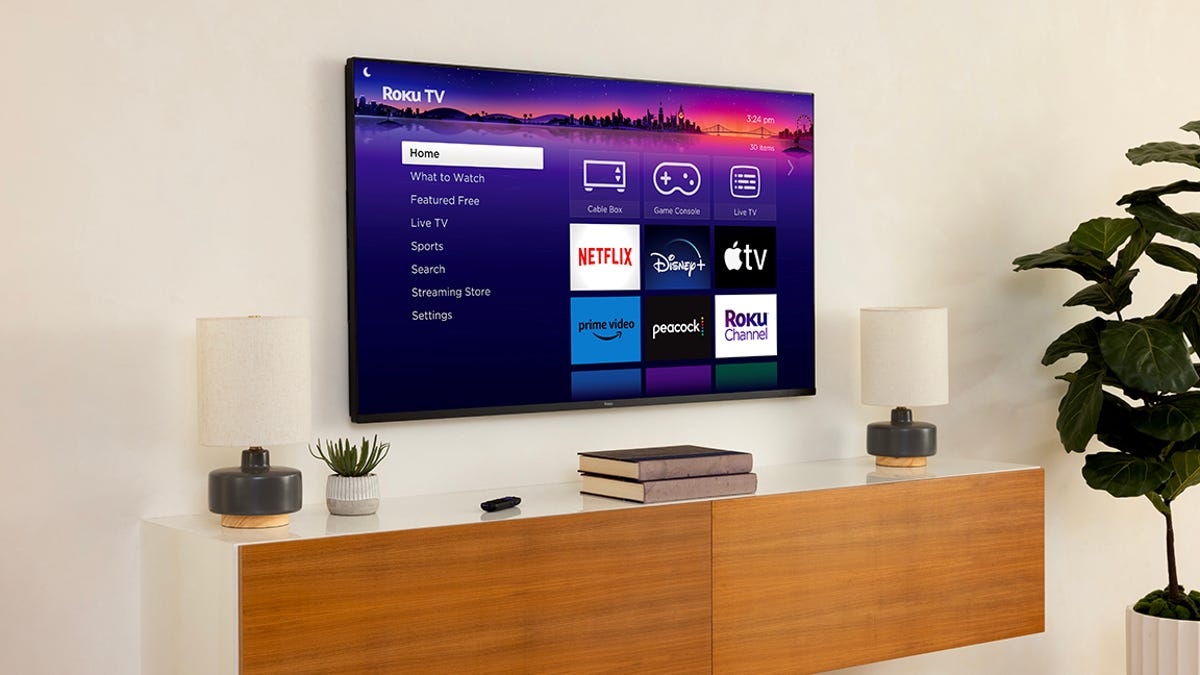
If your Roku keeps buffering or freezes at the most dramatic moment of a show, let’s get one thing straight: It’s probably not broken — just neglected.
Before you dramatically declare it dead and start shopping for a new Roku, have you tried the ridiculously simple fixes? We’re talking about clearing the cache, forcing a software update or — and this is a big one — the ancient, all-powerful trick of unplugging it for a minute. And if your device is a few years old, it could also be time to finally delete those 12 channels you never watch.
Seriously, a five-minute refresh is all it takes to fix. Stop suffering through a stuttering stream and give your Roku the quick tune-up it’s begging for.
How to clear your Roku TV cache
This process isn’t as straightforward on a…